Maximize Engagement with Custom Comment Screenshots
- commenttoolsbusine
- May 6
- 3 min read
Updated: May 8
In the digital age, user engagement is more crucial than ever. With countless platforms vying for attention, how can you stand out? One effective strategy is to utilize custom comment screenshots. This approach not only enhances your content but also fosters a sense of community among your audience. In this post, we will explore how to maximize engagement through custom comment screenshots, providing practical tips and examples along the way.

Understanding the Power of Comments
Comments are more than just feedback; they are a reflection of your audience's thoughts and feelings. They can provide insights into what resonates with your readers and what doesn't. Here are a few reasons why comments matter:
Community Building: Comments create a space for dialogue, allowing readers to connect with each other and with you.
Feedback Loop: They offer direct feedback on your content, helping you understand your audience's preferences.
Increased Visibility: Engaging comment sections can attract more visitors, as they signal active discussions.
The Role of Custom Comment Screenshots
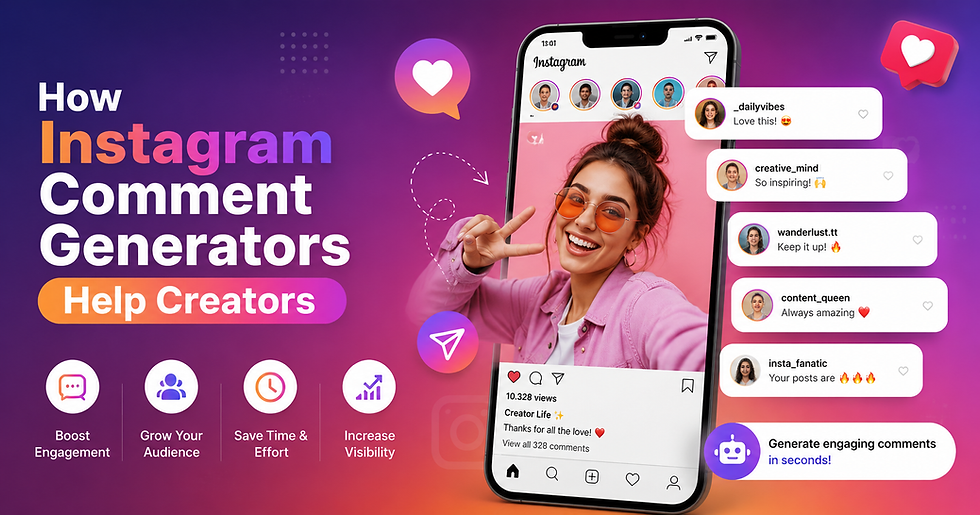
Custom comment screenshots take the traditional comment section to the next level. By highlighting specific comments, you can draw attention to valuable insights, praise, or constructive criticism. Here’s how they can enhance your content:
Visual Appeal: Screenshots break up text and add a visual element that can capture attention.
Highlighting Key Points: They allow you to emphasize important feedback or questions that may resonate with a broader audience.
Encouraging Participation: Showcasing comments can motivate others to join the conversation, knowing their thoughts might be featured.
How to Create Effective Custom Comment Screenshots
Creating impactful custom comment screenshots involves more than just taking a picture. Here are some steps to ensure your screenshots are effective:
1. Choose Relevant Comments
Select comments that add value to your content. Look for:
Insightful Feedback: Comments that provide constructive criticism or praise.
Questions: Engaging questions that can lead to further discussion.
Unique Perspectives: Comments that offer a different viewpoint or experience.
2. Edit for Clarity
Once you’ve selected a comment, edit it for clarity and focus. This might involve:
Trimming Length: Shortening lengthy comments to highlight the main point.
Formatting: Using bold or italics to emphasize key phrases.
3. Design the Screenshot
A well-designed screenshot can make a significant difference. Consider the following:
Background: Use a clean, uncluttered background to ensure the comment stands out.
Font Choice: Choose a legible font that aligns with your brand’s aesthetic.
Color Scheme: Use colors that complement your overall design but ensure readability.
4. Add Context
When you share a custom comment screenshot, provide context. Explain why the comment is significant and how it relates to your content. This helps your audience understand its relevance.
Examples of Custom Comment Screenshots in Action
To illustrate the effectiveness of custom comment screenshots, let’s look at a few examples:
Example 1: Blog Post on Healthy Eating
Imagine you wrote a blog post about healthy eating habits. A reader comments, “I never realized how much sugar was in my favorite snacks! Thanks for the tips!”
You could create a screenshot of this comment and place it within your post, perhaps in a section discussing the importance of awareness in dietary choices. This not only highlights the reader's realization but also encourages others to reflect on their habits.
Example 2: Video Content on Travel Tips
If you produce travel videos, a viewer might comment, “Your tips on packing light changed my travel experience completely!”
A screenshot of this comment can be used in a follow-up video or blog post about packing strategies. It serves as social proof that your advice is valuable and encourages others to share their experiences.
Best Practices for Sharing Custom Comment Screenshots
To maximize the impact of your custom comment screenshots, keep these best practices in mind:
Frequency: Don’t overdo it. Use screenshots sparingly to maintain their impact.
Diversity: Showcase a variety of comments to reflect different perspectives.
Engagement: Encourage readers to leave comments by asking questions or prompting discussions.
Encouraging More Comments
To foster a vibrant comment section, consider these strategies:
Ask Open-Ended Questions: Encourage readers to share their thoughts by posing questions that invite discussion.
Respond to Comments: Engage with your audience by replying to their comments. This shows that you value their input and encourages further interaction.
Feature Comments: Regularly highlight comments in your content to motivate others to participate.
Conclusion
Custom comment screenshots are a powerful tool for enhancing engagement and building community. By thoughtfully selecting and presenting comments, you can create a more interactive experience for your audience. Remember to keep your screenshots clear, relevant, and visually appealing.
As you implement these strategies, you’ll likely see an increase in engagement and a stronger connection with your audience. Start incorporating custom comment screenshots into your content today and watch your community thrive!
Also Read: Best Comment Generator Tools Online


Comments